NINJACHAT MCP · YOUR AI, WITH CREATIVE SUPERPOWERS

From “what if”
to look at this.

Turn Claude, ChatGPT, or Codex into your image, video + voice studio.
You bring the idea. NinjaChat brings it to life.

More agents
Connect Claude
See what’s possible
22 creative modelsNo NinjaChat subscriptionPay for what you create

Your idea goes with you. Nothing generates until you connect.

CREATED WITH NINJACHAT · FROM FIRST IDEA TO FINAL FRAMETHERE’S MORE TO THE STORY
MADE WITH NINJACHAT

You’re not one kind of creative.
Neither are we.

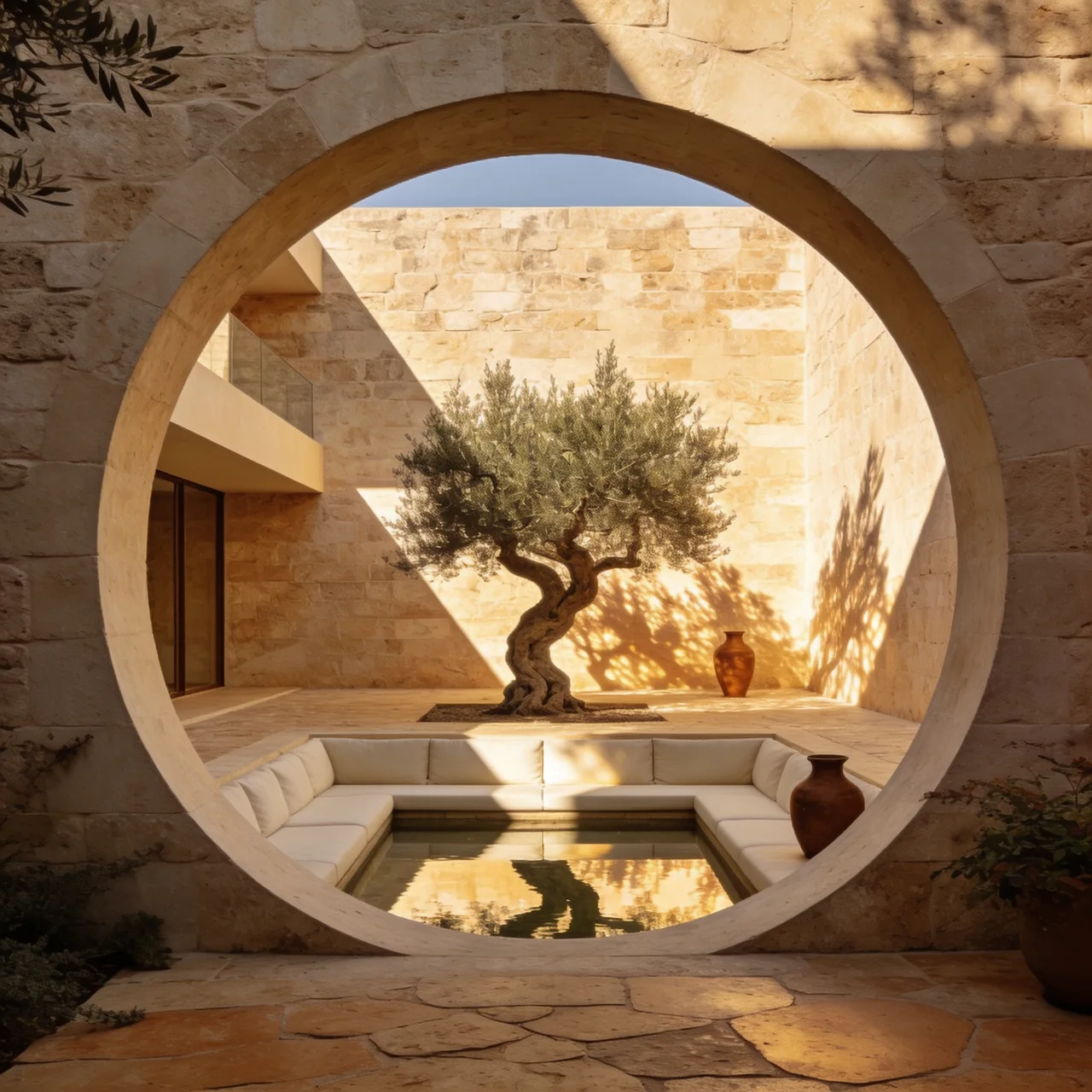
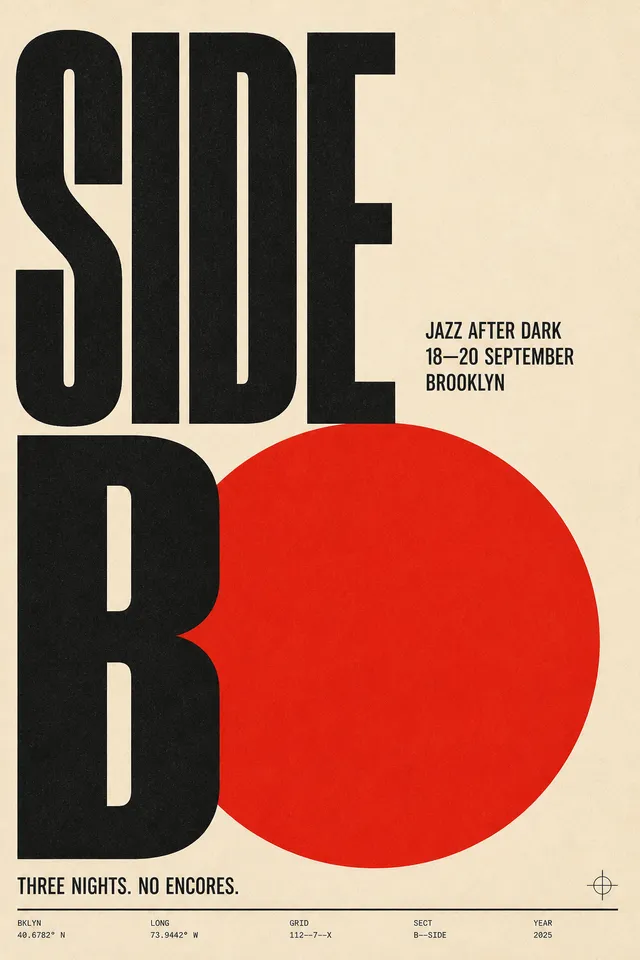
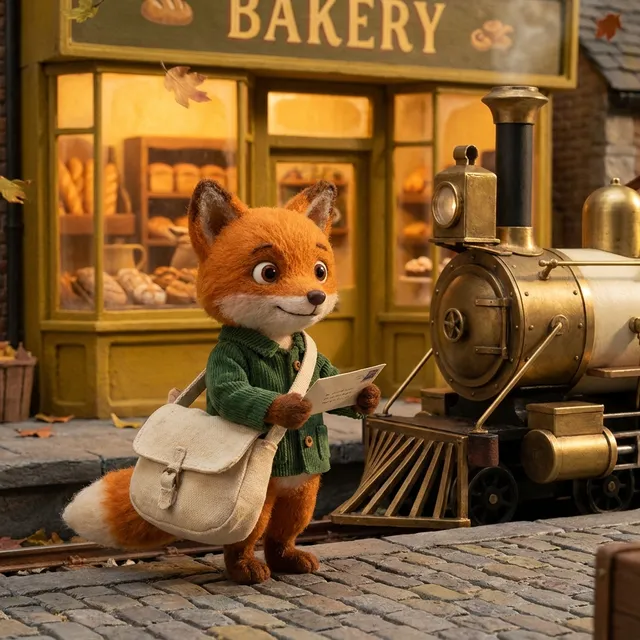
Original images, films and voices. Find your spark. Make it yours.

THE LISTENING ROOM

Now give it a voice.

Your next campaign, story or podcast. Ready to be heard.

THE CAMPAIGN

A little nerve.

Onyx · OpenAI TTS HD · AI-generated voice

Made with NinjaChat · $0.0033 MP3
Read the script

No schedule. No permission slip. Just the open road, and a little nerve. Off Duty. Go where the day takes you.

Make a voiceover in Claude

9 voices. MP3 or WAV. From $0.015 per 1,000 characters. Audio is a separate track, ready for your edit.

KEEP THE IDEA. CHANGE THE SCENE.

A fresh take.
Still your thing.

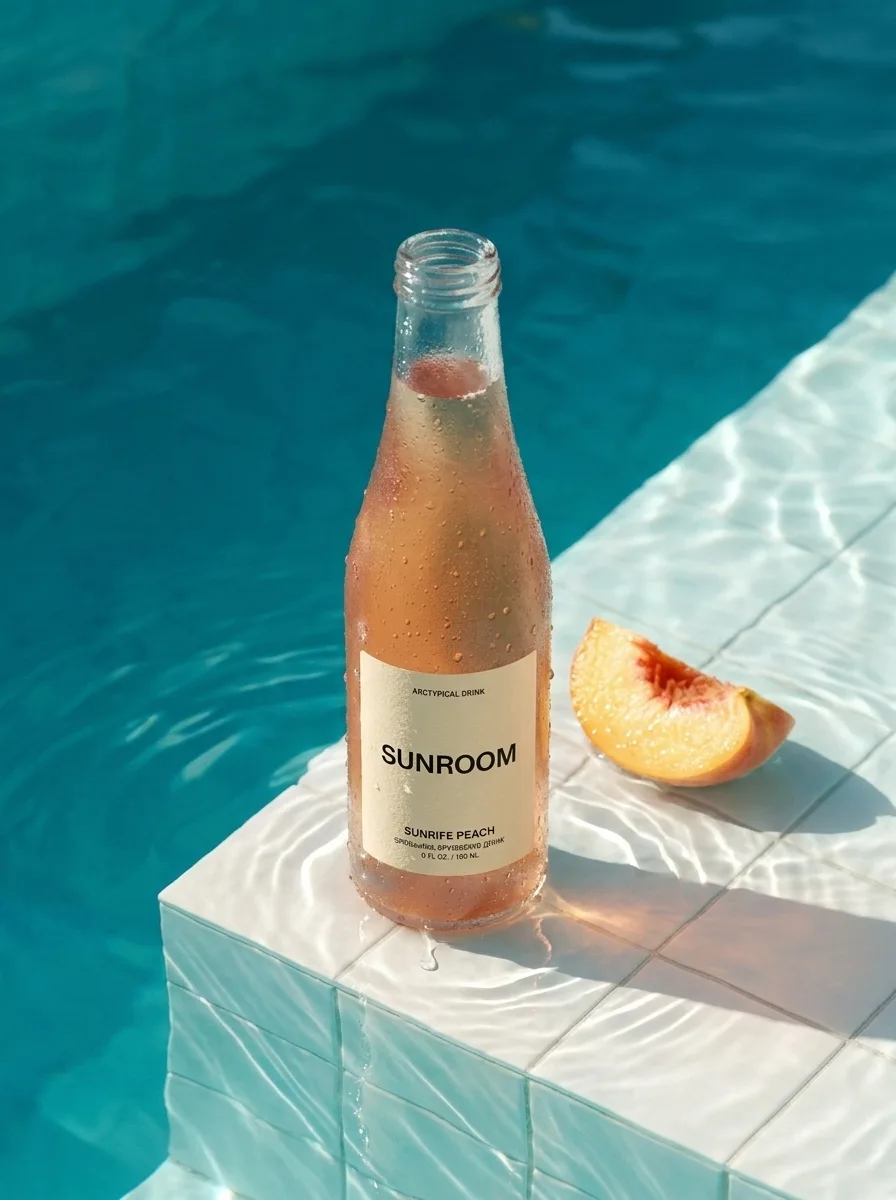
Same product. Entirely new setting.

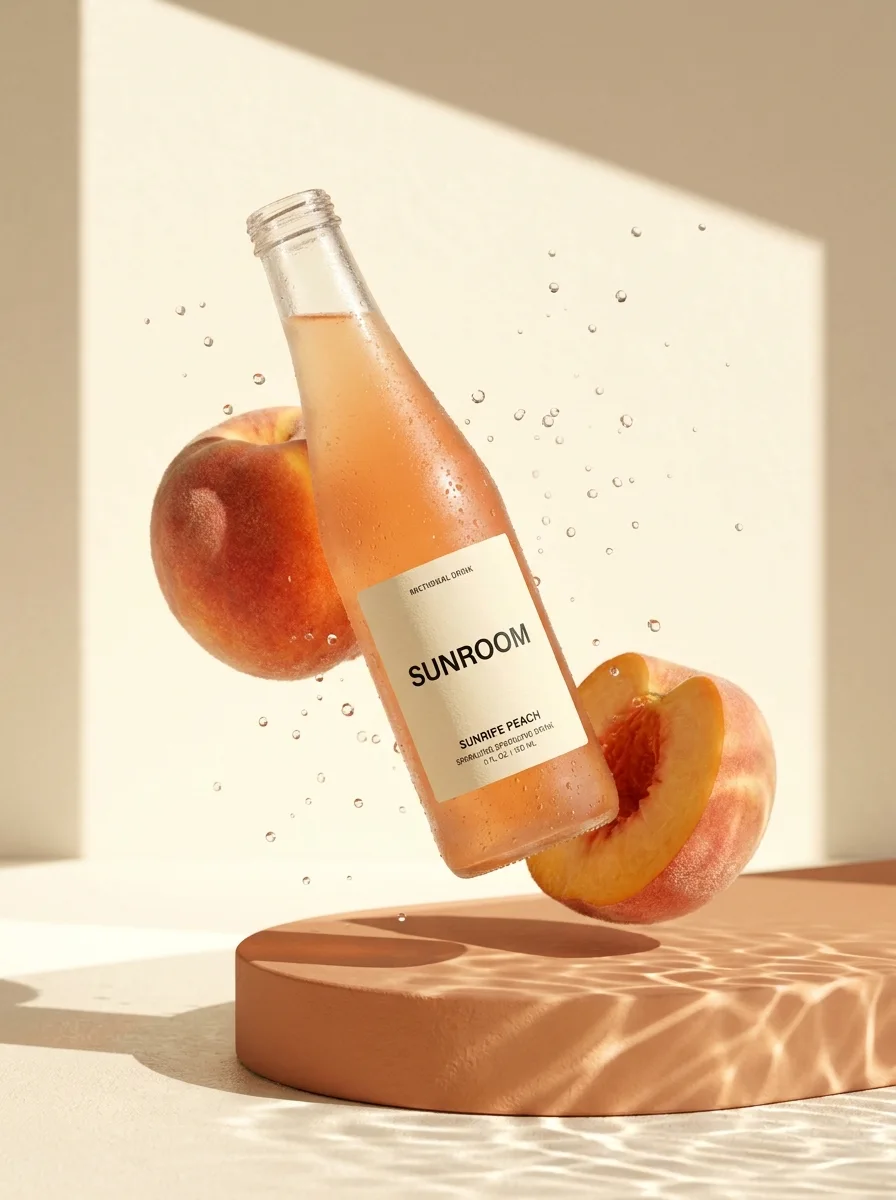
“Keep the SUNROOM bottle. Put it by a sunlit pool.”

Try it with your own photo Both images generated through NinjaChat. The second uses the first as a reference.
SUNROOM bottle reimagined beside a turquoise pool
A peach drink bottle suspended among peaches in golden sunlight
OriginalReimagined
A BIGGER KIND OF BRIEF

One brief.
A whole production.

Creator ads. Launch kits. A week of content.
Give your AI a job worth doing.

A few good places to start6 workflows / 19 total

NinjaChat creates the media. Your AI runs the plan. Open a workflow to make it yours.

Inside the productions22 case studies

Launch a product

FROM IDEA TO FILM

A sentence.
Then a whole world.

Follow one idea from the first frame to the finished cut.
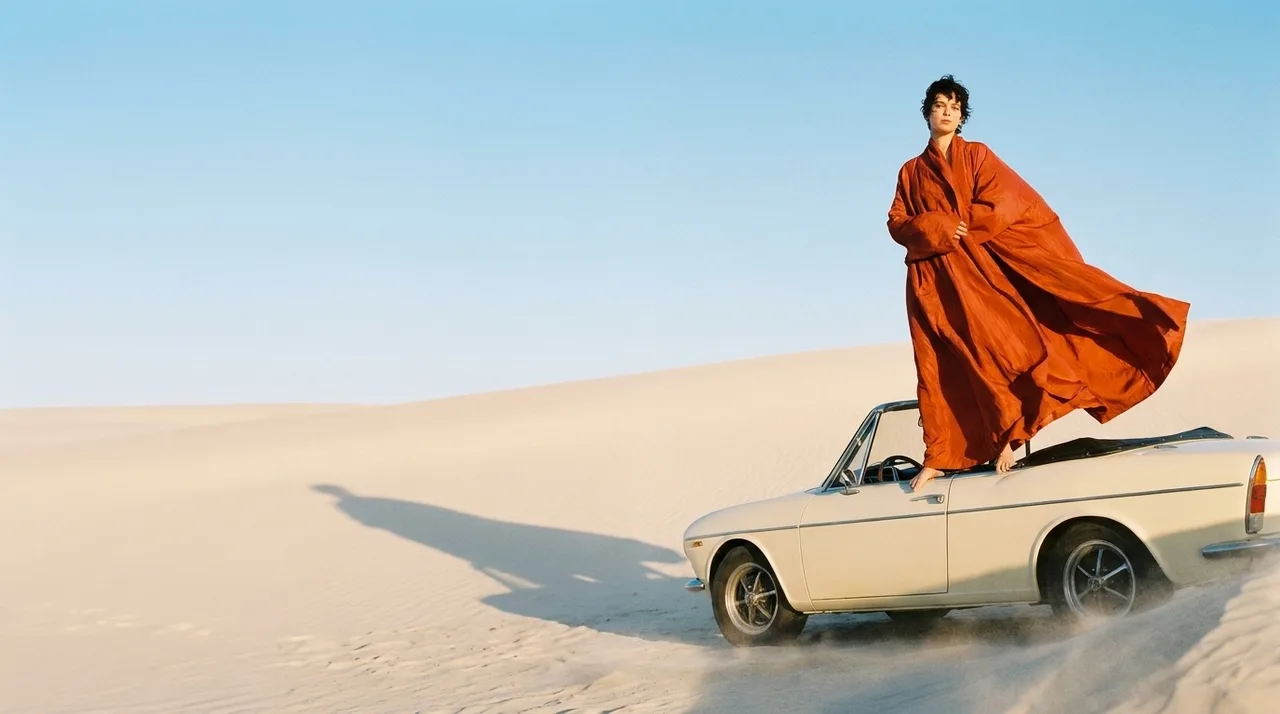
Fashion model in a flowing orange coat on a vintage convertible
OFF DUTY / Campaign film

One look. A whole campaign.

THE FIRST FRAME / OFF DUTY

“Create a fashion campaign. Orange silk. Pale dunes. A vintage convertible.”

Make something like this

Real outputs. Illustrative conversation. OFF DUTY includes an AI voiceover.

YOUR AI. YOUR NEW STUDIO.

Same chat.
Whole new possibilities.

Pick your AI. Take a look inside.

Interactive demo · Connect to create.

THE CREATIVE TOOLKIT

One connection.
22 ways to create.

11 image models. 9 video models. 2 voice models. One balance.

VeoKlingSeedanceFLUXRecraftNano Banana
Explore the models 22 models

Also included: Runway Gen-4 Image Turbo, Flux Schnell, Runway Gen-4.5, Seedance Pro, Gemini Omni Flash, Seedance 2.5.

OpenAI TTS $0.015 / 1,000 charactersOpenAI TTS HD $0.03 / 1,000 charactersHear the voices
Images from $0.003 · Video from $0.15Full model catalog
NinjaChat EnterpriseMCP

Your creative team.Room to do more.

Custom pricing and usage limits for your team's image, video and voice workflows.

Pricing
Custom
Usage limits
Tailored
Team rollout
Planned together
Contact us
YOUR BUDGET

Big ideas.
Your budget.

See the price. Set your limit. Stay in control.

  • A hard limit on spending
  • Failed generations refunded
  • Pay as you create.
Manage your budget
$50

Example only. Set your real limit in Billing.

$50 could make

Google Nano Banana Pro$0.134 per image373images
Seedance Lite$0.144 from 4s · $0.036/s347clips
Google Veo 3.1$1.60 from 4s · $0.40/s31clips
Connect

Connect once.
Then just ask.

Pick your AI. We’ll handle the setup.

Connect with your NinjaChat account.

01

Open Claude.

Settings → Connectors → Add custom connector.

Open Claude
02

Add NinjaChat.

Paste this URL, sign in and approve the connection.

https://www.ninjachat.ai/api/mcp
Need help connecting?

Use a desktop browser with an account or workspace that allows custom MCP connections. If a setting is missing, check your plan or ask your workspace admin.

  1. Open connector settings. In claude.ai, go to Settings → Connectors and choose “Add custom connector”. Your account and workspace must allow custom connectors.
  2. Paste the NinjaChat endpoint. Name it NinjaChat and paste the server URL — nothing else to configure.
  3. Sign in when prompted. Sign in to NinjaChat and approve the connection. No API key needed. Enable NinjaChat in each chat or project where you want to use it.
  4. Ask Claude to make something. Start a new chat and enable NinjaChat in the tools menu.
03

Start creating.

Paste your prompt into a new Claude chat.

Make one image of a lighthouse in a storm, with golden light through a wave.

View full prompt

Use NinjaChat for this task: Make one image of a lighthouse in a storm, with golden light through a wave. First check my balance and use estimate_cost to quote the model, quantity, dimensions or duration, and total price. Ask for any missing reference files. Do not generate, publish, or add credits until I approve the quote. For video, retain the job ID and poll get_generation_status until complete; resume that job instead of starting another. Return the finished media and download links.

Your AI quotes the price. You approve it.

Check your connection Free

Enable NinjaChat in a new chat, then send this check.

View check prompt

Use NinjaChat to check my account balance and spending headroom, then list the available image models. Do not generate anything or add credits. If NinjaChat is unavailable, tell me which setup step is missing.

Balance & spending limit
More setup guides
GOOD TO KNOW

A few useful answers.

Compare creative MCP servers
NinjaChat MCP compared with other creative MCP servers
NinjaChatHiggsfield MCPhiggsfield.ai/mcpfal MCPblog.fal.aiReplicate MCPmcp.replicate.com
What a generation spendsDollars off your balanceHiggsfield plan creditsYour fal balanceYour Replicate balance
Price of one outputPublished, per modelCredits, by model and resolutionPublished, per modelPer-second GPU time
Cost quoted before it runsestimate_cost, freeNot documentedYesKnown after the run
Spending cap on the agentServer-side, monthlyNot documentedNot documentedNot documented
Saved product & character referencesNamed, reusableSoul charactersNot documentedNot documented
Subscription to use the serverNonePlan creditsNoneNone
Same balance as your app's REST APIOne accountNot documentedYesYes

Read off each vendor’s own documentation on September 11, 2026. “Not documented” means it was not stated on the page linked above. fal and Replicate both carry far larger catalogs than we do.

The tools behind the work 21 tools
create_media

Generate images or videos from a prompt.

generate_speech

Turn a script into speech with nine voices. Download an MP3 or WAV.

generate_image

Create images and download the full-resolution results.

edit_image

Change a background, color, or detail with a prompt.

generate_video

Turn a description into a video.

image_to_video

Add motion to a still image.

edit_video

Change a finished clip in place with a prompt.

extend_video

Add seconds that continue a finished clip.

get_generation_status

See whether a video is ready to view.

search_creations

Search your images, videos and voiceovers.

get_creation

View a saved result and its generation details.

save_creation_as

Name an asset to reuse in future creations.

list_creative_entities

Find saved characters, products, styles, and projects.

compare_models

Try one prompt across models with a spending limit.

search_models

Check model capabilities and prices.

estimate_cost

Check the price before generating.

upload_asset

Upload an image to edit or use as a reference.

prepare_scrub_video

Optimize a video for scroll-driven playback on a website.

publish_page

Publish an HTML page to your ninja.site address.

get_account_balance

See available credit and monthly spending.

add_credits

Open checkout to add to your developer balance.

THAT IDEA YOU KEEP THINKING ABOUT?

Let’s make
that one.

Connect Claude

Your next creation starts in the AI you already love.

Choose another agent